
夏日幽灵 サマーゴースト (2021)

Nextjs初探 nextjs first Nextjs 前端
1402 字
7 分钟
Nextjs初探
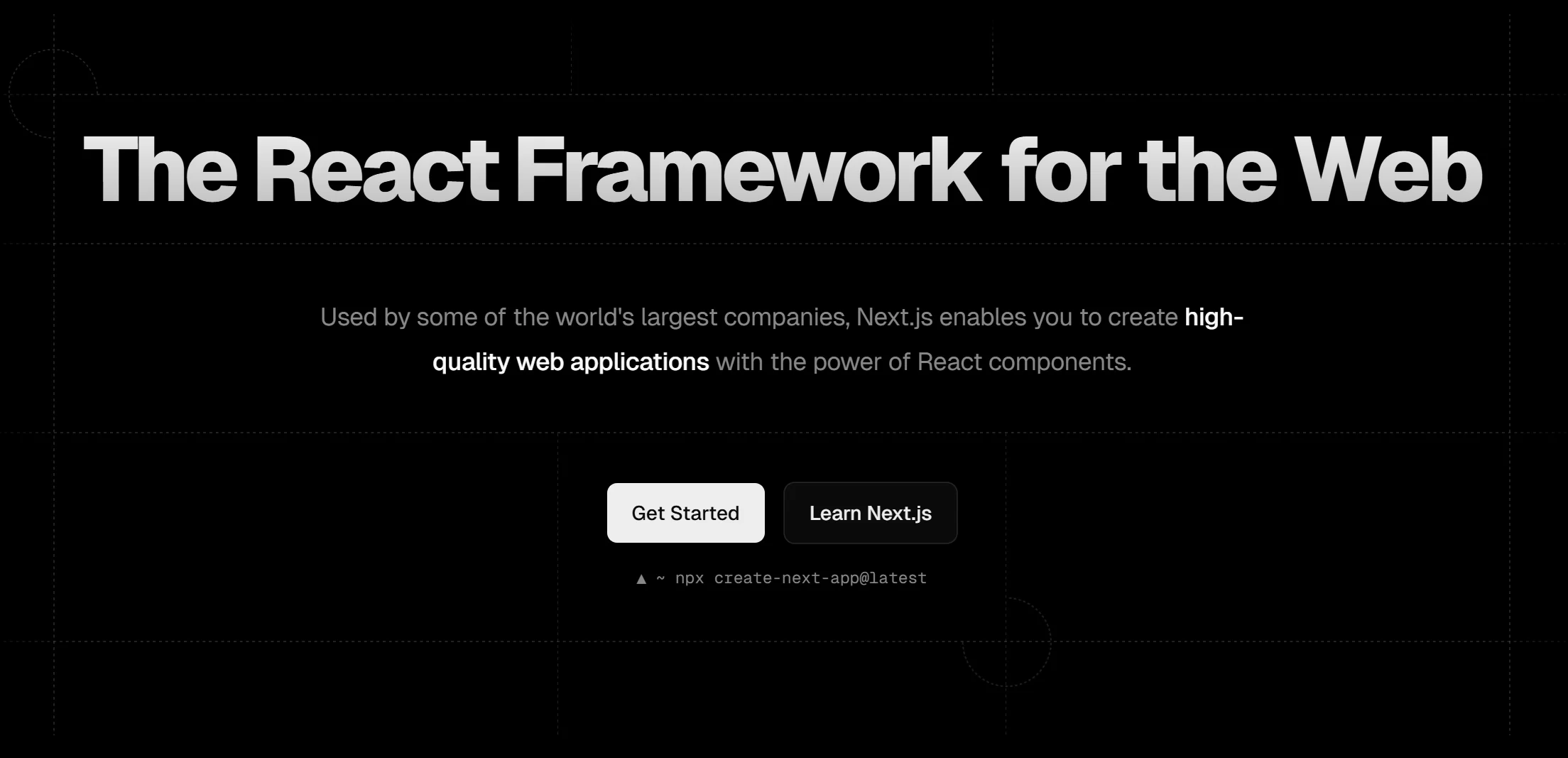
Nextjs
Nextjs现在成为react官方推荐的第一框架,虽然偏向的是全栈框架,但是其性价比非常高,一个框架可以直接做出一个完整的项目,是个人开发者的不二之选
Learn
Next.js 的 App Router(从 v13 开始引入)是一种基于文件系统的新型路由方案,结合 TypeScript (.tsx) 使用能提供更好的类型安全,同时我比较推荐从Nextjs Learn开始入门
1. 项目初始化
使用 TypeScript 模板创建项目:
npx create-next-app@latest --ts选择启用 App Router(默认选项)。
2. App Router 核心结构
项目目录结构:
app/├── layout.tsx # 全局布局├── page.tsx # 首页(对应路由 `/`)├── dashboard/│ ├── layout.tsx # 嵌套布局│ └── page.tsx # `/dashboard`└── blog/ ├── [slug]/ │ └── page.tsx # 动态路由 `/blog/:slug` └── page.tsx # `/blog`3. 基础页面与布局
全局布局 (app/layout.tsx)
import type { ReactNode } from 'react';
export default function RootLayout({ children,}: { children: ReactNode;}) { return ( <html lang="en"> <body>{children}</body> </html> );}首页 (app/page.tsx)
export default function Home() { return <h1>Hello, Next.js!</h1>;}4. 动态路由与 TypeScript
动态路由示例 (app/blog/[slug]/page.tsx)
interface PageProps { params: { slug: string }; searchParams?: { [key: string]: string | string[] | undefined };}
export default function BlogPage({ params }: PageProps) { return <div>Blog Slug: {params.slug}</div>;}生成动态路由参数 (generateStaticParams)
export async function generateStaticParams() { const posts = await fetch('https://api.example.com/posts').then((res) => res.json());
return posts.map((post: { id: string }) => ({ slug: post.id, }));}5. 数据获取与类型安全
服务端数据获取 (fetch + TypeScript)
interface Post { id: string; title: string; content: string;}
async function getPost(slug: string): Promise<Post> { const res = await fetch(`https://api.example.com/posts/${slug}`); if (!res.ok) throw new Error('Failed to fetch'); return res.json();}
export default async function BlogPage({ params }: PageProps) { const post = await getPost(params.slug); return ( <article> <h1>{post.title}</h1> <p>{post.content}</p> </article> );}6. 嵌套布局与类型
嵌套布局 (app/dashboard/layout.tsx)
import type { ReactNode } from 'react';
export default function DashboardLayout({ children,}: { children: ReactNode;}) { return ( <div> <nav>Dashboard Navbar</nav> {children} </div> );}7. 客户端组件与交互
客户端组件 (app/components/Counter.tsx)
'use client'; // 必须标记为客户端组件
import { useState } from 'react';
export default function Counter() { const [count, setCount] = useState(0); return ( <div> <button onClick={() => setCount(count + 1)}>+</button> <span>{count}</span> </div> );}8. API 路由 (可选)
创建 API 路由 (app/api/hello/route.ts):
import { NextResponse } from 'next/server';
export async function GET() { return NextResponse.json({ name: 'John Doe' });}访问 /api/hello 即可调用。
9. 类型增强配置
在 tsconfig.json 中添加 Next.js 类型:
{ "compilerOptions": { "types": ["next", "next/types"] }}10. 实用技巧
-
路由跳转:
import Link from 'next/link';<Link href="/blog/123">Read Blog</Link> -
流式传输:
import { Suspense } from 'react';<Suspense fallback={<div>Loading...</div>}><AsyncComponent /></Suspense> -
环境变量:
const apiUrl = process.env.NEXT_PUBLIC_API_URL;
常见问题
- 类型错误:确保为
params和searchParams定义正确的接口。 - 客户端组件限制:在客户端组件中不能直接使用服务端数据获取方法(如
getStaticProps)。 - 动态导入:使用
next/dynamic导入客户端组件。
官方资源
- Next.js App Router 文档:App Router Docs
- TypeScript 配置指南:TypeScript Guide
next-auth
在 Next.js 中使用 next-auth 实现鉴权的完整指南(支持 App Router 和 TypeScript):
步骤 1:安装依赖
pnpm install next-auth @next-auth/prisma-adapter @prisma/client bcrypt步骤 2:配置环境变量
NEXTAUTH_SECRET="your-secure-secret" # openssl rand -base64 32 生成NEXTAUTH_URL="http://localhost:3000"
# GitHub OAuth 示例GITHUB_CLIENT_ID="your-client-id"GITHUB_CLIENT_SECRET="your-client-secret"
# 数据库配置(以 PostgreSQL 为例)DATABASE_URL="postgresql://user:password@localhost:5432/mydb"步骤 3:创建 Prisma Schema(数据库集成)
generator client { provider = "prisma-client-js"}
datasource db { provider = "postgresql" url = env("DATABASE_URL")}
model User { id String @id @default(cuid()) name String? email String? @unique emailVerified DateTime? image String? accounts Account[] sessions Session[]}
model Account { id String @id @default(cuid()) userId String type String provider String providerAccountId String refresh_token String? @db.Text access_token String? @db.Text expires_at Int? token_type String? scope String? id_token String? @db.Text session_state String? user User @relation(fields: [userId], references: [id], onDelete: Cascade)
@@unique([provider, providerAccountId])}
model Session { id String @id @default(cuid()) sessionToken String @unique userId String expires DateTime user User @relation(fields: [userId], references: [id], onDelete: Cascade)}运行 npx prisma generate 生成客户端。
步骤 4:配置 NextAuth (App Router)
import NextAuth from "next-auth";import GitHubProvider from "next-auth/providers/github";import { PrismaAdapter } from "@next-auth/prisma-adapter";import { PrismaClient } from "@prisma/client";
const prisma = new PrismaClient();
export const { handlers: { GET, POST }, auth, // 用于中间件获取会话 signIn, signOut,} = NextAuth({ adapter: PrismaAdapter(prisma), providers: [ GitHubProvider({ clientId: process.env.GITHUB_CLIENT_ID!, clientSecret: process.env.GITHUB_CLIENT_SECRET!, }), ], secret: process.env.NEXTAUTH_SECRET,});步骤 5:全局 SessionProvider
import type { ReactNode } from "react";import { SessionProvider } from "next-auth/react";import { auth } from "@/auth";
export default async function RootLayout({ children,}: { children: ReactNode;}) { const session = await auth();
return ( <html lang="en"> <body> <SessionProvider session={session}>{children}</SessionProvider> </body> </html> );}步骤 6:创建登录/登出组件
"use client";
import { signIn, signOut } from "@/auth";import { useSession } from "next-auth/react";
export function AuthButton() { const { data: session } = useSession();
return ( <div> {session ? ( <button onClick={() => signOut()}>Sign Out</button> ) : ( <button onClick={() => signIn("github")}>Sign In with GitHub</button> )} </div> );}步骤 7:保护路由(中间件)
import { auth } from "@/auth";
export default auth((req) => { if (!req.auth) { return Response.redirect(new URL("/login", req.nextUrl)); }});
// 配置需要保护的路径export const config = { matcher: ["/dashboard/:path*", "/profile"],};步骤 8:服务端获取会话
import { auth } from "@/auth";
export default async function DashboardPage() { const session = await auth();
if (!session) { return <div>Unauthorized</div>; }
return <div>Welcome {session.user?.name}</div>;}步骤 9:自定义登录页面
"use client";
import { signIn } from "@/auth";
export default function LoginPage() { return ( <div> <button onClick={() => signIn("github")}>GitHub 登录</button> </div> );}关键配置说明
-
适配器选择:
- 使用
PrismaAdapter将用户数据存入数据库 - 支持其他适配器:Firebase、MongoDB 等
- 使用
-
OAuth 回调 URL:
- 在 GitHub 开发者设置中添加回调 URL:
http://localhost:3000/api/auth/callback/github
- 在 GitHub 开发者设置中添加回调 URL:
-
Session 策略:
session: {strategy: "jwt", // 或 "database"}
常见问题解决
-
类型错误:
next-auth.d.ts import "next-auth";declare module "next-auth" {interface Session {user: {id: string;} & DefaultSession["user"];}} -
中间件不生效:
- 确保
matcher路径正确 - 检查中间件文件是否在项目根目录
- 确保
-
生产环境配置:
- 设置
NEXTAUTH_URL为生产域名 - 使用 HTTPS
- 设置
扩展功能
-
邮箱登录:
import EmailProvider from "next-auth/providers/email";providers: [EmailProvider({server: process.env.EMAIL_SERVER,from: process.env.EMAIL_FROM,}),] -
自定义认证页面:
theme: {logo: "/logo.png",brandColor: "#000",} -
角色鉴权: 在
User模型中添加role字段,通过中间件校验。